print() Function in Python
The print() function in Python is used to display output on the screen. It helps students show messages, numbers, answers, and results from a program. It is one of the first and most important Python functions beginners learn.
In simple words, print() tells the computer to show something on the screen.
Real-Life Analogy
Think of print() like speaking in class or writing on a blackboard.
- A teacher writes on the board so students can see it.
- In the same way,
print()displays information so users can see the output on the screen.
For example:
print("Hello")Output
HelloSyntax of print() Function
print("message")With print(), you can display:
- Text (inside quotes)
- Numbers
- Calculations
- Program results
Example:
print(5 + 3)Output:
8
Why Do We Use print() in Python?
The Python print function helps us:
- Display messages on the screen
- Show answers and program results
- Test whether our code is working
- Understand what a program is doing step by step
Practical Example
Like speaking out your answer so others can hear it, the print() function shows your answer on the screen.
Example:
print("My name is Ravi")Output:
My name is RaviExamples of print() Function in Python
Example-1
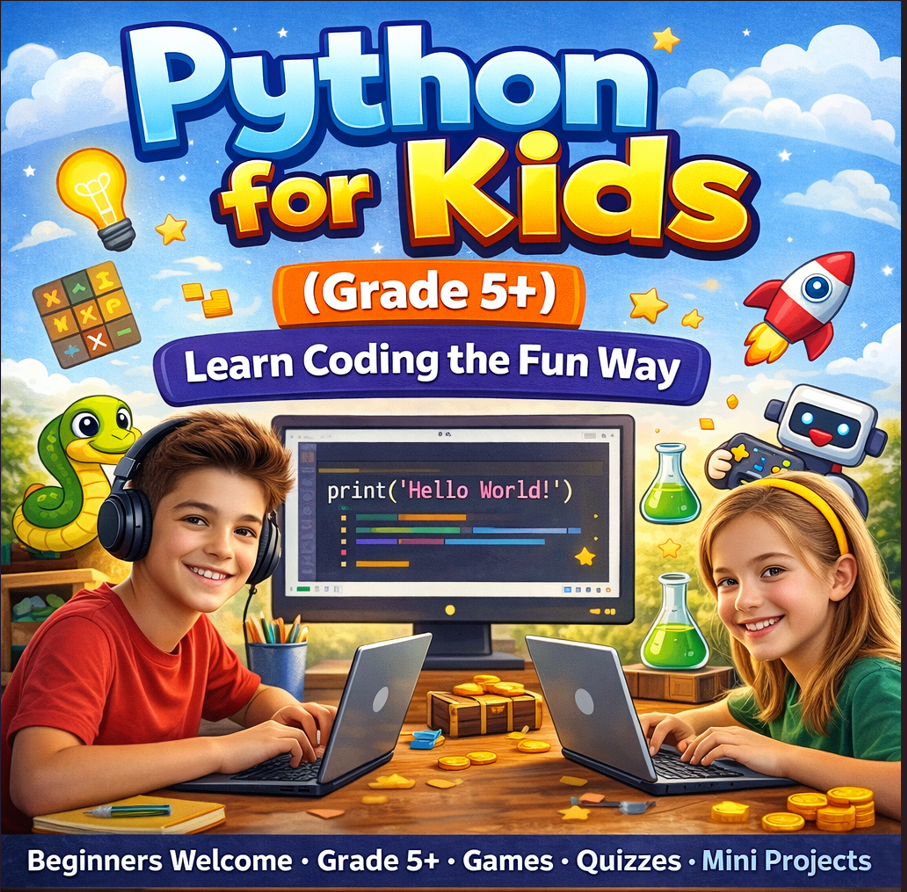
print("Hello, World!")Output:
Hello, World!Example -2
print(10)
print(5 + 3)
Output:
10
8
➤ Key Points About print() Function
- Displays output on the screen
- Prints text and numbers
- Text must be inside quotes
" " - Helps test and understand programs
- Simple and beginner-friendly
➤Common Uses of print()
Students use print() for:
- Printing names
- Showing math answers
- Displaying messages
- Checking program output
- Debugging simple programs
The print() function in Python is used to show output on the screen. It can display words, numbers, and results of calculations. It is simple, useful, and one of the first steps in learning Python programming for beginners.
Learning print() is like learning how to make the computer “talk” to us.
➤ Tips
● Always use brackets () with print()
● Use quotes " " for text values
● Try different examples to learn faster
● Use print() to check your answers and results